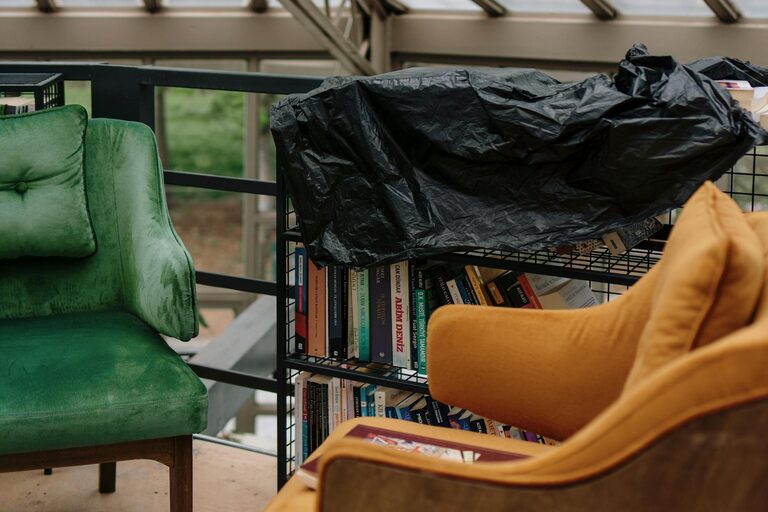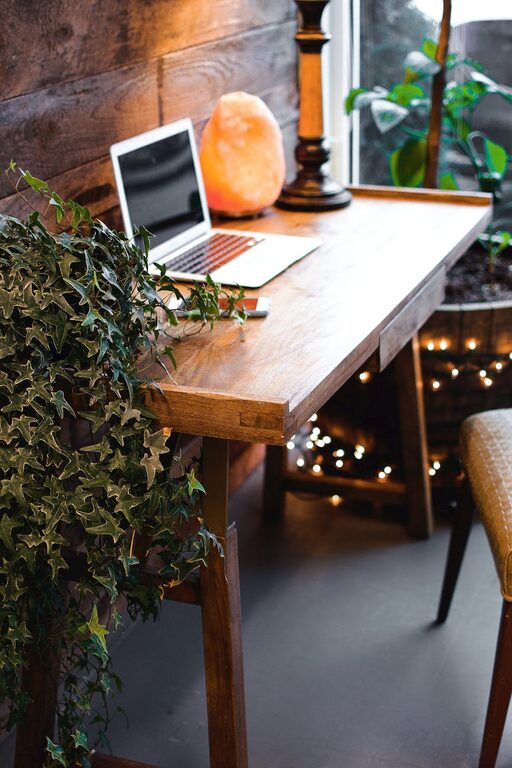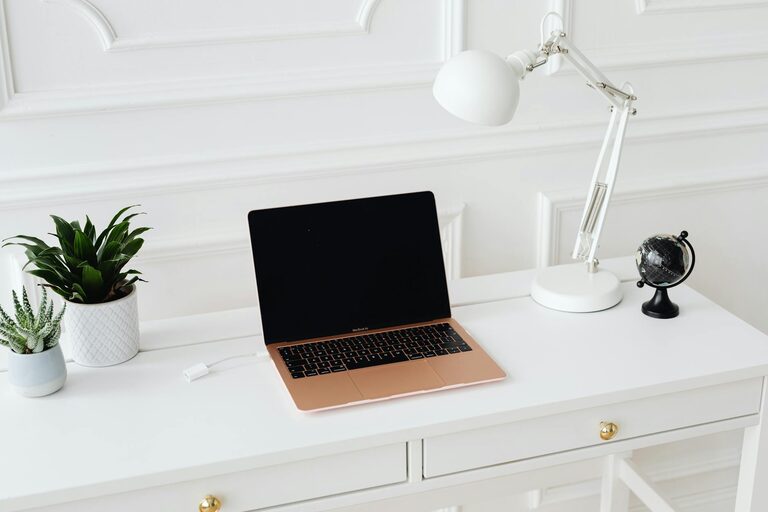
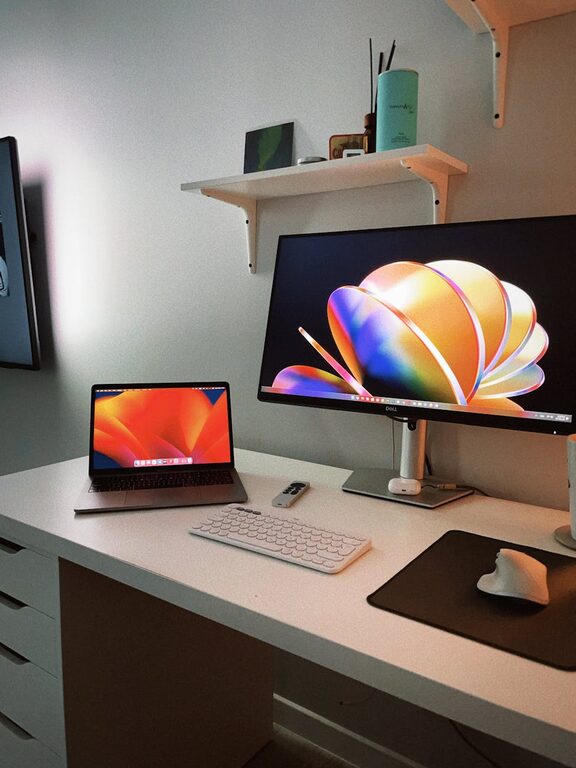
Creating an efficient home workspace is essential for anyone working remotely. A well-designed area can boost your productivity, reduce distractions, and keep you comfortable during long hours of work. Whether you live in a spacious house or a small apartment, you can set up a home workspace that supports your professional needs and personal wellbeing. This post offers practical tips for building an efficient and inviting home office.
Choose the Right Spot
Finding the best location for your workspace is the first step. Ideally, pick a quiet area with minimal foot traffic and distractions. If possible, select a space with natural light—this can improve your mood and reduce eye strain.
– Consider a dedicated room or corner: Having a specific area designated for work helps set boundaries between your professional and personal life.
– Minimize noise: Position your desk away from noisy appliances or family activity zones.
– Think about privacy: Use room dividers or curtains if needed to create a more private environment.
Invest in Ergonomic Furniture
Comfort is key to staying productive and avoiding physical strain. An ergonomic setup supports good posture and reduces the risk of aches and injuries.
– Choose the right chair: An adjustable chair with good lumbar support helps maintain correct posture.
– Select an appropriate desk: A desk at the right height allows your arms to rest comfortably while typing or writing.
– Monitor placement: Position your computer screen at eye level and about an arm’s length away to avoid neck and eye strain.
Organize Your Workspace
Clutter can hinder focus and efficiency. Keeping your workspace tidy helps you find essentials quickly and fosters a clear mindset.
– Use storage solutions: Shelves, drawers, and desk organizers keep supplies and documents neatly arranged.
– Limit what’s on your desk: Keep everyday tools within reach but avoid overcrowding your workspace.
– Cable management: Use clips or sleeves to organize cords and reduce mess.
Optimize Lighting
Proper lighting reduces eye fatigue and creates a more inviting atmosphere.
– Maximize natural light: Position your desk near windows but avoid glare on your screen.
– Add task lighting: Use an adjustable desk lamp for focused work.
– Balance light sources: Combine ambient room lighting with task lighting for comfortable visibility.
Minimize Distractions
Staying focused during remote work can be challenging. Create an environment that supports concentration.
– Set clear boundaries: Communicate your work schedule to family or housemates.
– Limit noise: Use noise-cancelling headphones or soft background music if it helps you concentrate.
– Turn off non-essential devices: Silence notifications on your phone and computer except for work-related alerts.
Personalize Your Space
Making your workspace comfortable and inspiring boosts motivation.
– Add plants: A touch of greenery improves air quality and mood.
– Include personal touches: Photos, artwork, or inspirational quotes can make your space feel welcoming.
– Choose calming colors: Soft, neutral tones can reduce stress, while pops of color may energize you.
Establish a Routine
An efficient workspace works best alongside a consistent work routine.
– Designate work hours: Stick to regular start and finish times to balance work and personal life.
– Take breaks: Short breaks throughout the day help maintain energy and focus.
– End each day with tidying: Clearing your desk at the end of the workday prepares you for a fresh start tomorrow.
Use Technology Wisely
Remote work relies on technology, so having the right tools can enhance your efficiency.
– Stable internet connection: Ensure reliable access to avoid interruptions.
– Use productivity apps: Task managers, calendars, and communication tools keep you organized.
– Backup important data: Protect your work by regularly saving and backing up files.
Keep Health in Mind
Physical and mental health are vital for sustaining productivity.
– Incorporate movement: Take brief walks or stretch regularly.
– Stay hydrated and nourished: Keep water and healthy snacks nearby.
– Maintain good posture: Use reminders or ergonomic aids to prevent slouching.
—
Creating an efficient home workspace is a combination of choosing the right location, equipping it properly, and fostering habits that support focus and comfort. With these tips, you can design a home office that enhances your remote work experience, allowing you to be productive and feel good throughout your day.
About the Author