Creating a home workspace that balances comfort and functionality is essential for anyone looking to work efficiently while enjoying their environment. Whether you’re working remotely full-time or need a designated spot for occasional tasks, a cozy and well-organized workspace can make a big difference in your focus and motivation. Here are some helpful tips on setting up a home office that feels inviting and supports productivity.
Choose the Right Location
Consider Natural Light
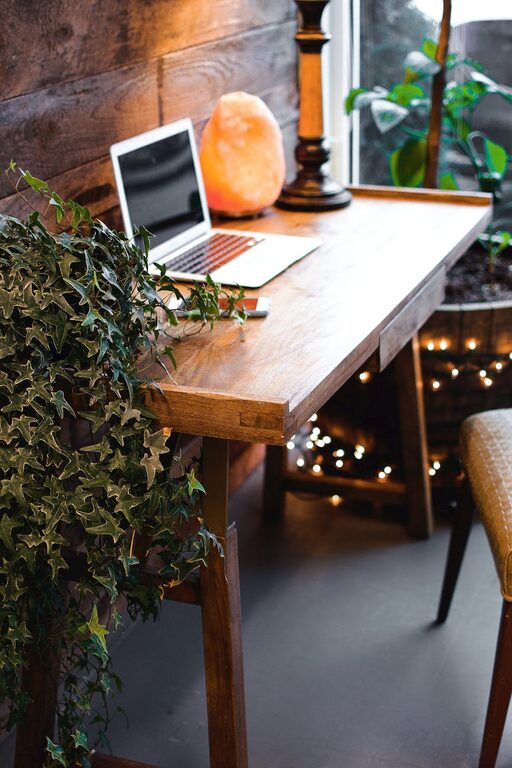
Selecting a spot with plenty of natural light can boost your mood and reduce eye strain. Ideally, position your desk near a window to benefit from daylight, but avoid direct glare on your screen by using light curtains or blinds.
Minimize Distractions
Pick a quiet corner or a room where you can close the door if possible. This helps create a mental boundary between work and home life, allowing you to concentrate better.
Invest in Comfortable Furniture
Ergonomic Chair
A supportive chair is worth the investment. Look for chairs that offer adjustable height, lumbar support, and cushioned seating to maintain good posture and prevent discomfort.
Practical Desk
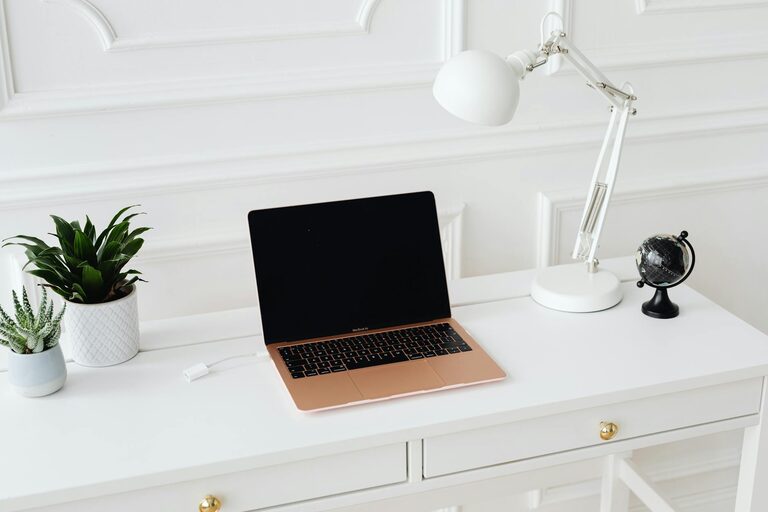
Choose a desk that fits your space without feeling cramped. Depending on your work, consider features like enough surface area for monitors, notebooks, or storage drawers.
Organize Strategically
Declutter Regularly
Keep only essential items on your desk to maintain a clean and calm environment. Regularly clear away unnecessary papers and gadgets to avoid feeling overwhelmed.
Storage Solutions
Use shelves, filing cabinets, or desk organizers to store supplies and documents neatly. Labeling boxes or folders can make finding items quicker and easier.
Personalize Your Space
Add Comforting Decor
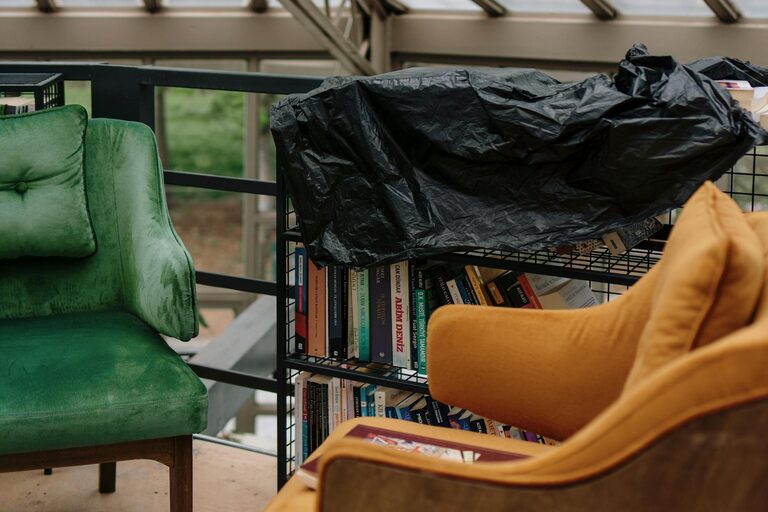
Incorporate elements like soft cushions, a cozy throw, or a plant to make your workspace feel personalized and welcoming. These touches can enhance comfort and reduce stress.
Use Calming Colors
Soft, neutral shades or calming blues and greens create a soothing atmosphere that helps focus and relaxation. Avoid overly bright or distracting colors, especially on large surfaces.
Optimize Lighting
Layered Lighting
Supplement natural light with task lighting and ambient light. A good desk lamp with adjustable brightness can reduce eye strain during late hours or on cloudy days.
Avoid Screen Glare
Position your computer monitor perpendicular to windows when possible. Anti-glare screen protectors and adjustable monitor arms can also help reduce reflections.
Manage Technology Efficiently
Cable Management
Tidy up cables with clips, ties, or under-desk trays. This not only keeps the area neat but also reduces potential hazards and distractions.
Reliable Tech Setup
Invest in tools that support your work needs, like a fast internet connection, a quality headset, and any specific software. Keeping your tech updated avoids frustration and downtime.
Create Daily Routines
Define Work Hours
Set clear start and finish times to help separate work from relaxation periods. Sticking to a schedule improves work-life balance and prevents burnout.
Break Regularly
Short breaks boost productivity and well-being. Step away from your desk to stretch or take a walk every hour or so.
Personal Wellness Integration
Incorporate Movement
If space allows, consider a standing desk or balance ball chair to vary your posture. Regular stretching or light exercise also keeps energy levels up.
Encourage Hydration and Snacks
Keep a water bottle and healthy snacks nearby. Staying hydrated and well-nourished helps you stay focused and alert.
Final Thoughts
Designing a cozy and functional home workspace doesn’t have to be complicated. By focusing on comfort, organization, and thoughtful details, you can create an environment that supports your productivity and well-being. Remember, the best workspace is one tailored to your personal preferences and work style, so don’t hesitate to experiment until you find what works best for you.
About the Author