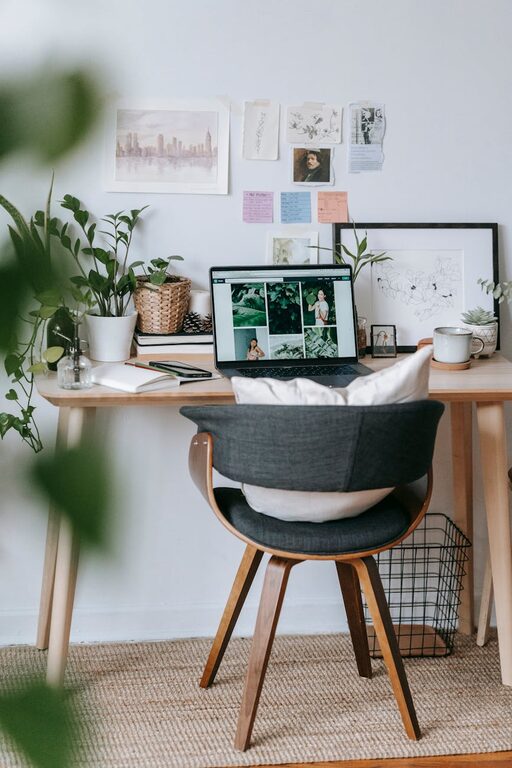
Creating a comfortable and productive home office space is essential for anyone working remotely or spending significant time on tasks at home. An effective workspace not only supports focus and efficiency but also promotes well-being and minimizes discomfort. Whether you’re setting up a new office area or improving an existing one, this guide provides practical tips to help you design a functional and inviting workspace.
Choose the Right Location
Selecting the right spot in your home is the foundation of a successful home office setup.
– Quiet and Low-Traffic Area: Find a place away from household noise and distractions if possible. This helps maintain concentration during work hours.
– Natural Light: Position your desk near a window to take advantage of daylight. Natural light reduces eye strain and improves mood.
– Space for Movement: Make sure there’s enough room to move around comfortably and store the essentials you need without clutter.
Invest in Ergonomic Furniture
Ergonomics plays a crucial role in comfort and long-term health.
– Supportive Chair: Choose a chair with good lumbar support and adjustable height to maintain proper posture.
– Desk at the Right Height: The desk should allow you to keep your elbows at a 90-degree angle when typing.
– Adjustable Accessories: Consider a monitor stand, keyboard tray, or footrest to customize your workspace and reduce strain.
Optimize Lighting
Proper lighting can prevent headaches and eye fatigue.
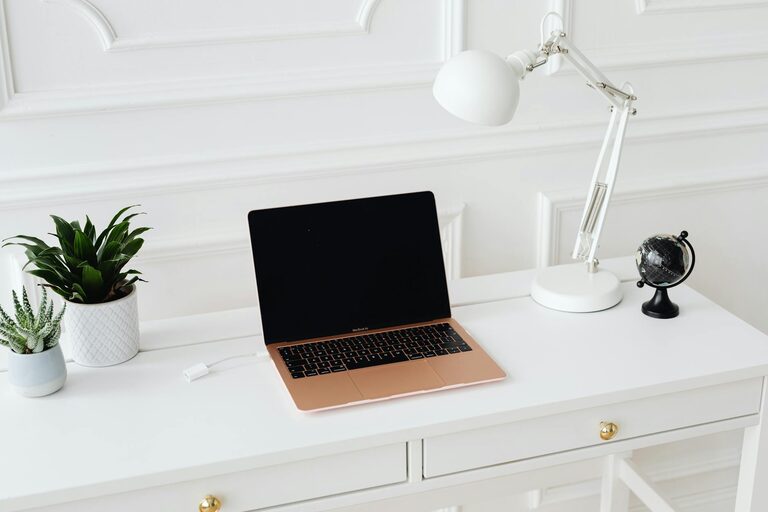
– Layered Lighting: Combine ambient lighting with task lighting. A desk lamp with adjustable brightness is helpful for focused work.
– Avoid Glare: Position screens to minimize reflections from windows or overhead lights.
– Use Warm Light: Soft, warm lights create a cozy atmosphere without dulling your alertness.
Organize Your Workspace
A clutter-free space helps clear your mind and improves productivity.
– Storage Solutions: Use shelves, drawers, or filing cabinets to keep paperwork and supplies tidy.
– Desk Accessories: Employ organizers for pens, notepads, and other small items.
– Cable Management: Use clips, sleeves, or ties to keep cords out of the way and prevent tangles.
Personalize Thoughtfully
Adding personal touches can boost motivation and comfort without causing distractions.
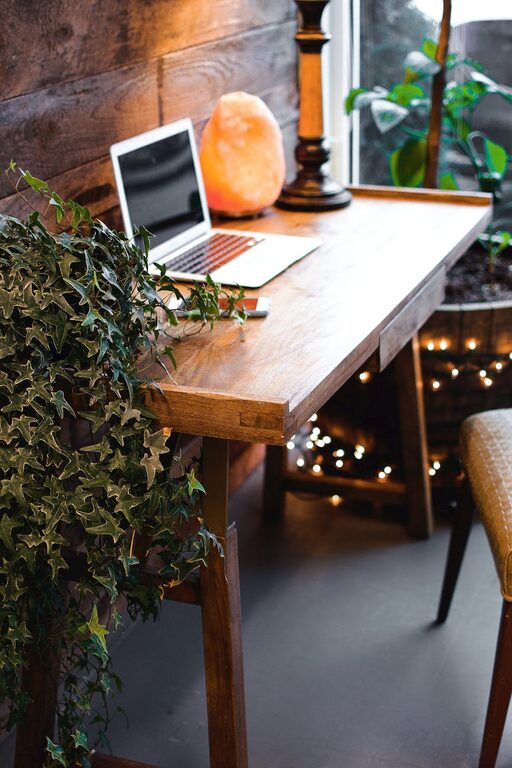
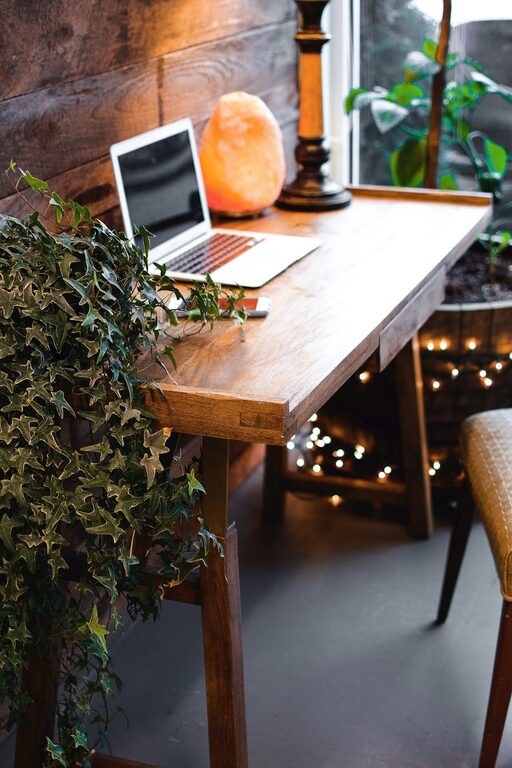
– Plants: Indoor plants add freshness and improve air quality.
– Artwork or Photos: Choose calming or inspiring images to decorate your space.
– Comfort Items: Include a cozy cushion or a blanket for added warmth and comfort during colder months.
Set Up Technology Efficiently
Technology should support your workflow without causing frustration.
– Reliable Internet: A strong and stable internet connection is essential.
– Proper Equipment: Use a good quality headset or speakers, webcam, and mouse to enhance virtual meetings and daily tasks.
– Backup Power: A surge protector or UPS (Uninterruptible Power Supply) can safeguard your devices during unexpected outages.
Establish a Routine and Boundaries
Your physical space works best when paired with good habits.
– Dedicated Work Hours: Stick to set work times to create clear boundaries between work and personal life.
– Break Spaces: Have a nearby spot to take short breaks away from your desk.
– Minimize Interruptions: Inform family or housemates about your schedule to reduce distractions during important work periods.
Keep Comfort in Mind
Staying comfortable helps maintain focus through long workdays.
– Temperature Control: Use fans, heaters, or windows to adjust the room temperature to your preference.
– Hydration and Snacks: Keep water and healthy snacks nearby to sustain energy levels.
– Movement: Incorporate short stretches or standing breaks to reduce stiffness and boost circulation.
Evaluate and Adjust Over Time
Your ideal home office may evolve as your work needs change.
– Regular Reviews: Periodically assess your setup to identify improvements or repairs needed.
– Stay Flexible: Experiment with different arrangements or tools to find what suits you best.
– Seek Feedback: If others share your workspace, communicate regularly to maintain a comfortable environment for everyone.
—
By applying these tips, you can create a home office space that balances comfort with productivity. A thoughtfully designed workspace not only enhances your ability to concentrate but also supports your physical and mental well-being, making working from home a more enjoyable and efficient experience.
About the Author